
Write a Java program to read integer value from the standard input or console. The concept of reading user input allows the end-user to provide information, such as passing function parameter values, variable values, etc to perform some operations. For example, reading input for a and b to calculate the sum of two numbers.
The first and most popular approach is using the Scanner class. To get this, we use the util packages Scanner class. First, import the Scanner, and create an instance or object of the Scanner class and pass the System.in parameter. For more examples, please refer to the Java Programs article.
package RemainingSimplePrograms;

import java.util.Scanner;

public class ReadInteger1 {

	private static Scanner sc;

	public static void main(String[] args) {

		sc = new Scanner(System.in);

		System.out.print("Enter Any Integer Value = ");

		int num = sc.nextInt();
		sc.close();

		System.out.println("Given Integer Value = " + num);

	}
}
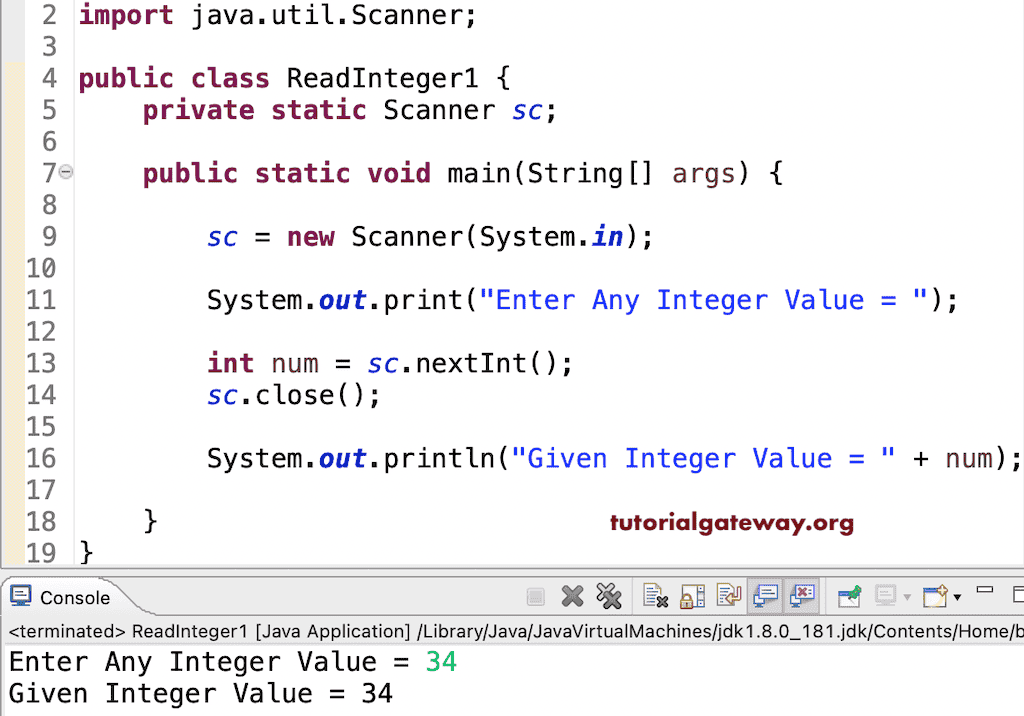
The System.out.print() statement prompts the user to enter an integer value. In the following line, we used the nextInt() method to read the user’s input integer value. Refer to Java tutorial.
Using BufferedReader
Here, we used the BufferedReader class to read an integer from the user’s input. For information, refer to the Java program to get input from user article.
import java.io.BufferedReader;
import java.io.InputStreamReader;
import java.io.IOException;

public class example {
	public static void main(String[] args) {
		try {
			BufferedReader br = new BufferedReader(new InputStreamReader(System.in));

			System.out.print("Enter Integer: ");
			int number = Integer.parseInt(br.readLine());

			System.out.println("Value = " + number);
		} catch (IOException e) {
			System.out.println("Error reading Input: " + e.getMessage());
		}

	}
}
Enter Integer: 99
Value = 99
Also Read