
Write a Java program to print an Integer as the output. To print an integer to the console, we can use either System.out.println() to print the integer on a line dedicated to it. Otherwise, use the System.out.print() method to place the integer on the same line.
In this example, we declared a number variable of integer type and assigned 55 to it. Next, we used the System.out.printf statement to print that integer as an output.
package SimpleNumberPrograms;

public class PrintInteger {

	public static void main(String[] args) {
		int number = 55;
		System.out.printf("\nThe integer values = %d", number );
	}
}
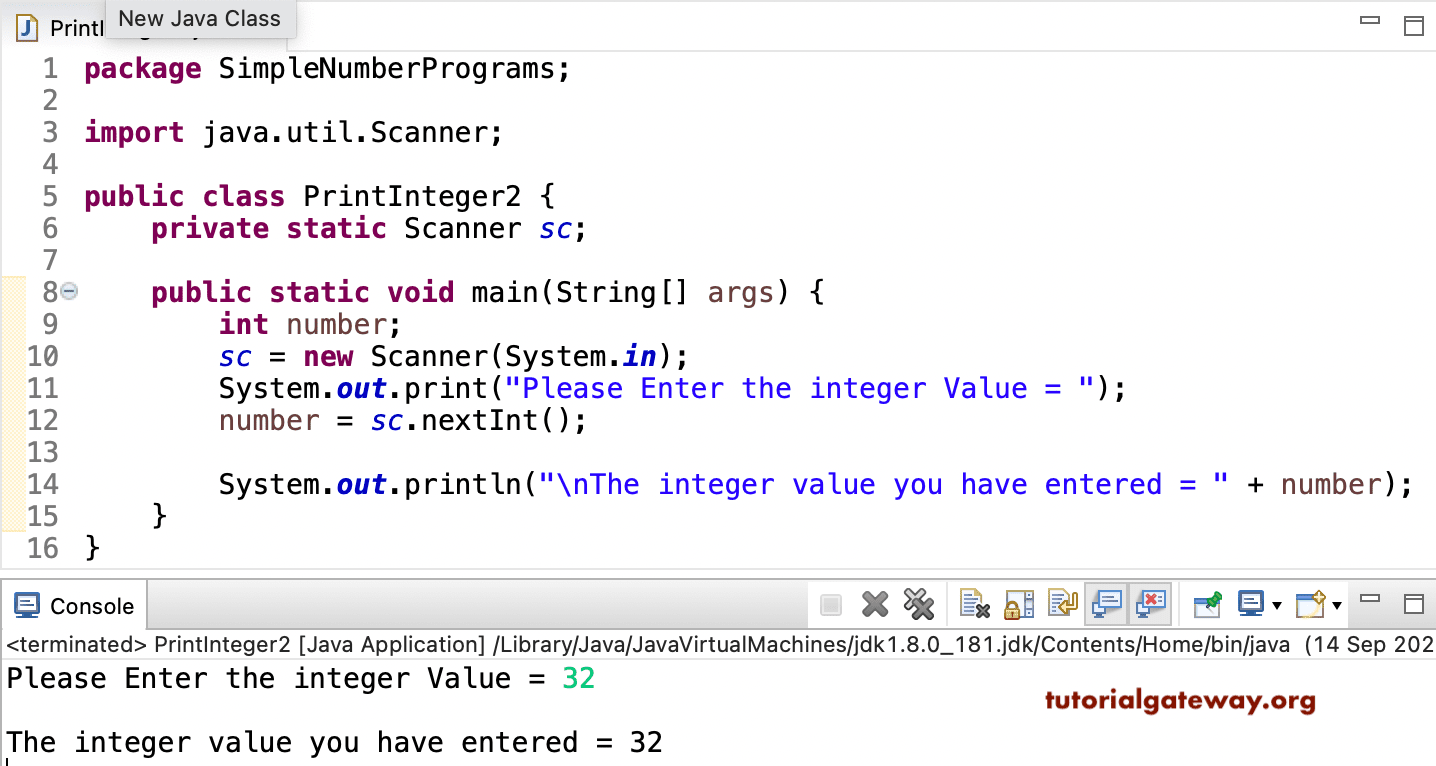
The integer values = 55This Java program allows the user to enter any integer value and prints that numeric value as an output. In this example, the Scanner class reads user-entered input from the console.
Next, the nextInt() method from the Scanner class reads integer values from the console until it encounters Enter or \n. By this, we restrict the user from entering unwanted (non-integer) data. If the user enters a non-integer, Javac throws InputMismatchException.
package SimpleNumberPrograms;

import java.util.Scanner;

public class PrintInteger2 {
	private static Scanner sc;

	public static void main(String[] args) {
		int number;
		sc = new Scanner(System.in);

		System.out.print("Please Enter the integer Value = ");
		number = sc.nextInt();

		System.out.println("\nThe integer value you have entered = " + number);
	}
}
Also Read