
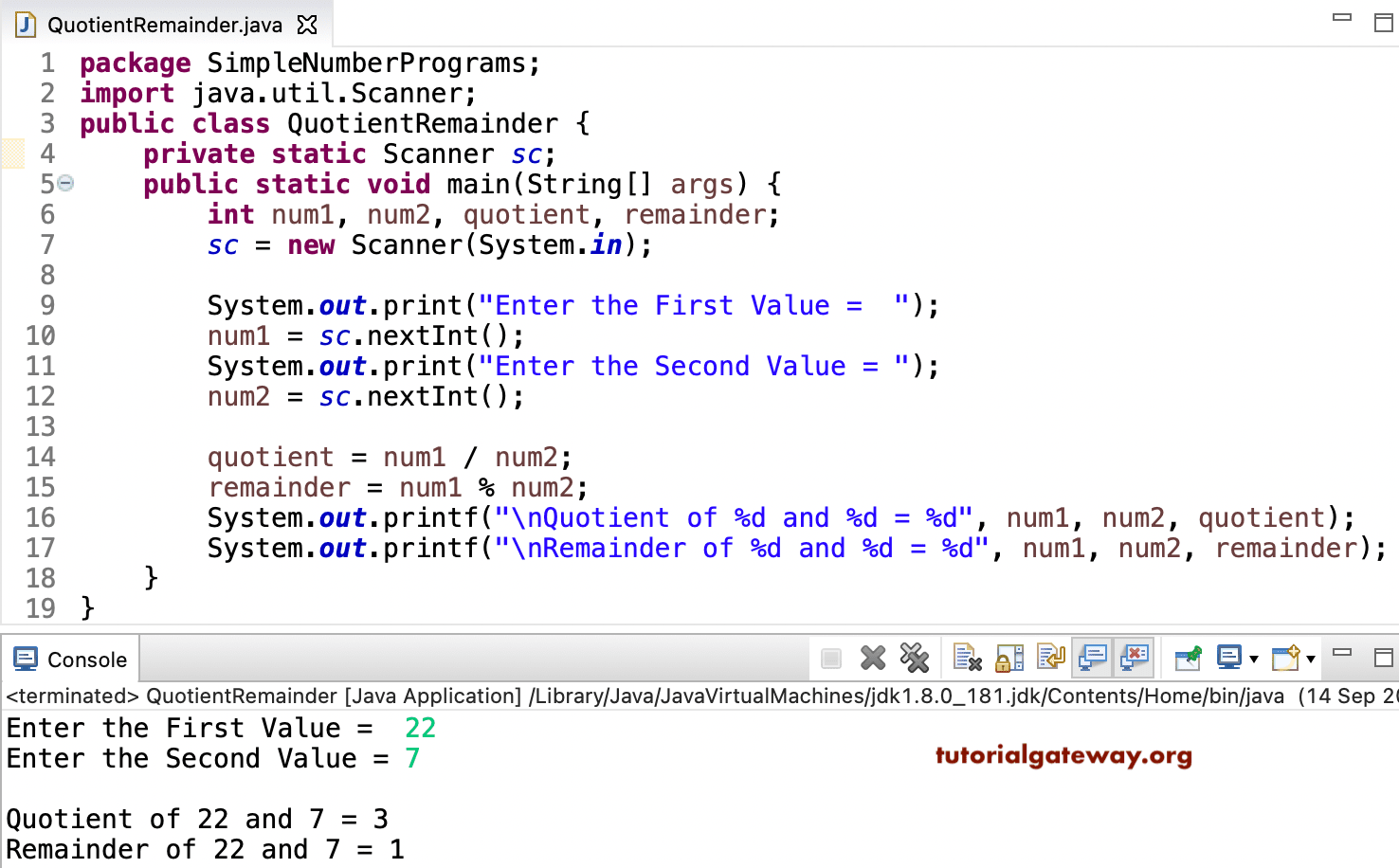
Write a Java Program to compute the quotient and remainder with an example. In this programming language, we have / and % operators to find the quotient and remainder. This example allows the user to enter two integer values and calculate the same.
Here, we used the / operator to find the quotient. 22 /7 = 3. Next, we used the % operator to find the remainder. 7 * 3 = 21, and the remainder is 1.
package SimpleNumberPrograms;

import java.util.Scanner;

public class QuotientRemainder {
	private static Scanner sc;

	public static void main(String[] args) {
		int num1, num2, quotient, remainder;
		sc = new Scanner(System.in);

		System.out.print("Enter the First Value =  ");
		num1 = sc.nextInt();

		System.out.print("Enter the Second Value = ");
		num2 = sc.nextInt();

		quotient = num1 / num2;
		remainder = num1 % num2;

		System.out.printf("\nQuotient of %d and %d = %d", num1, num2, quotient);
		System.out.printf("\nRemainder of %d and %d = %d", num1, num2, remainder);
	}
}
Let me try another value. For more examples, please refer to the Java Programs article.
Enter the First Value =  200
Enter the Second Value = 5

Quotient of 200 and 5 = 40
Remainder of 200 and 5 = 0
Program to Compute Quotient and Remainder using functions
In this example, we created calcQuo and calcRem functions that compute and return the quotient and remainder. Refer to Java Arithmetic operators.
package SimpleNumberPrograms;

import java.util.Scanner;

public class QuRem2 {
	private static Scanner sc;

	public static void main(String[] args) {
		int num1, num2;

		sc = new Scanner(System.in);

		System.out.print("Enter the First Value =  ");
		num1 = sc.nextInt();

		System.out.print("Enter the Second Value = ");
		num2 = sc.nextInt();

		System.out.printf("\nQuotient  = %d", calcQuo(num1, num2));
		System.out.printf("\nRemainder = %d", calcRem(num1, num2));
	}

	public static int calcQuo(int num1, int num2) {
		return num1 / num2;
	}

	public static int calcRem(int num1, int num2) {
		return num1 % num2;
	}
}
Enter the First Value =  125
Enter the Second Value = 7

Quotient  = 17
Remainder = 6
When performing division operations, we must be careful with 0. If we divide a number by 0, Javac throws an ArithmeticException.
public class example {
	public static void main(String[] args) {
		int a = 10, b = 0;

		int qu = a / b;
		int rem = a % b;
		System.out.println("Quotient = " + qu + " and Remainder = " + rem);

	}
}
Exception in thread "main" java.lang.ArithmeticException: / by zero
	at example.main(example.java:5)
To resolve this, we can use an Java if else statement. Here, we check whether the divisor is zero. If true, inform the user about using 0 as a divisor. Otherwise, calculate the quotient and remainder of the given two numbers.
public class example {
	public static void main(String[] args) {
		int a = 10, b = 0;
		if (b != 0) {
			int qu = a / b;
			int rem = a % b;
			System.out.println("Quotient = " + qu + " and Remainder = " + rem);
		} else {
			System.out.println("Use a non-zero divisor");
		}
	}
}
Use a non-zero divisorAlso visit