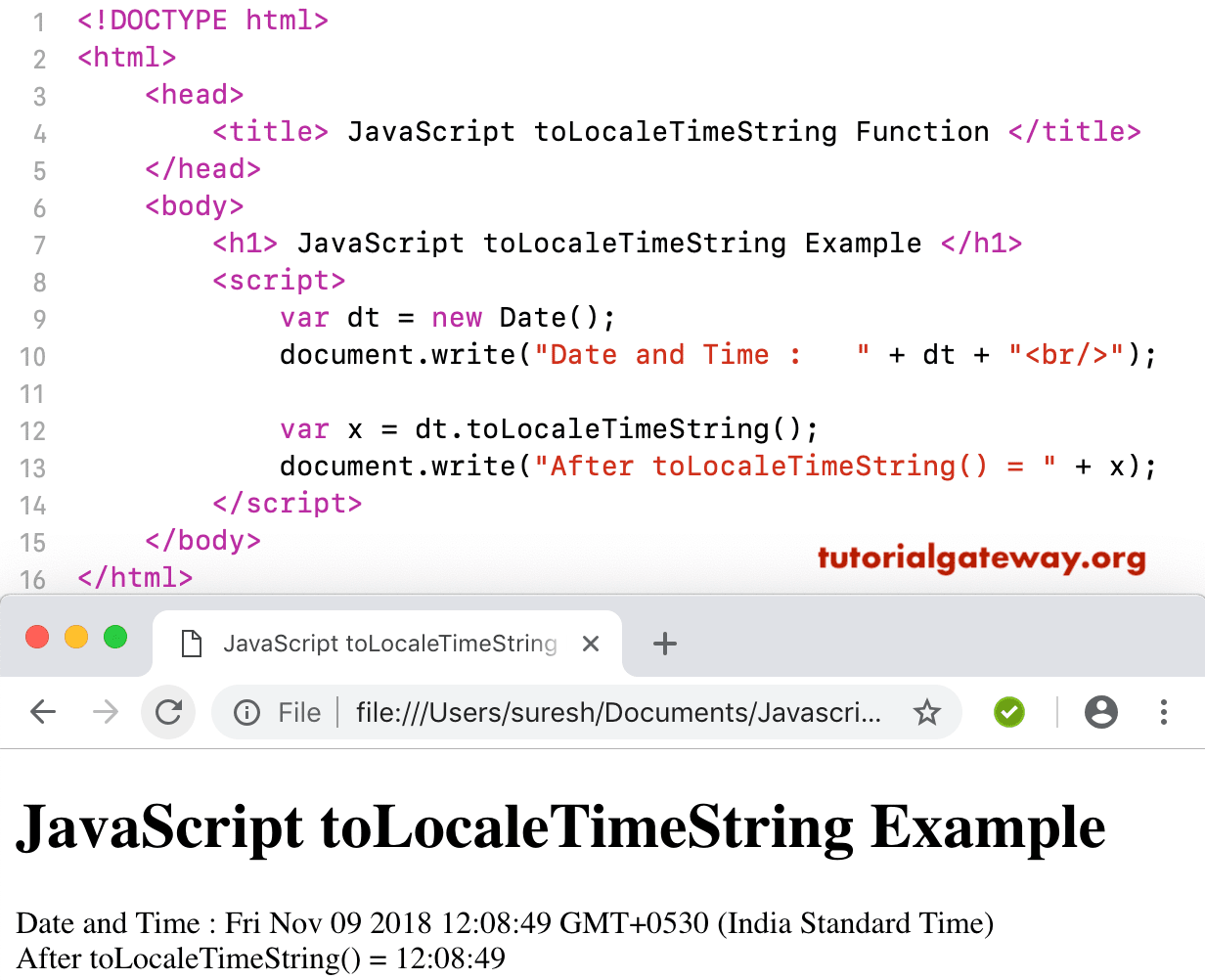
JavaScript toLocaleTimeString function converts the Time portion of a given date and time to a string using system locale conversation. The syntax of the toLocaleTimeString function is:
Date.toLocaleTimeString()
Here, we use them to locale the Time String Function to convert the time portion of today’s date and time to a string using system locales.
<!DOCTYPE html>
<html>
<head>
    <title> JS  </title>
</head>
<body>
    <h1> Example </h1>
<script>
  var dt = Date();
  document.write("Date and Time : " + dt + "<br/>");

  var x = dt.toLocaleTimeString();
  document.write("After = " + x);
</script>
</body>
</html>
Example

Date and Time: Mon Dec 31 2012 22:45:32 GMT+0530 (Indian Standard Time)
After = 22:45:32
This JavaScript to Locale Time String example returns the time portion of the custom date and time in a string format.
<!DOCTYPE html>
<html>
<head>
    <title> JavaScriptto Locale Time String Function  </title>
</head>
<body>
    <h1> JavaScripttoLocaleTimeStringExample </h1>
<script>
  var dt = Date(2012, 11, 31, 22, 45, 32);
  document.write("Date and Time : " + dt + "<br/>");

  var x = dt.toLocaleTimeString();
  document.write("After toLocaleTimeString() = " + x);
</script>
</body>
</html>