
Write a C++ program to add two numbers with multiple examples. The below written code uses an arithmetic addition operator to add num1 and num2.
#include<iostream>

using namespace std;

int main()
{
    int num1 = 10, num2 = 20, sum;

    sum = num1 + num2;
    cout << "Sum of Two Numbers " << num1 <<" and " << num2 << " = " << sum;

    return 0;
}
Sum of Two Numbers 10 and 20 = 30The below code allows users to insert two integer values and then add that numbers.
#include<iostream>

using namespace std;

int main()
{
	int num1, num2, sum;

	cout << "Please enter the First Number  : ";
	cin >> num1;

	cout << "Please enter the Second Number : ";
	cin >> num2;

	sum = num1 + num2;
	cout << "Sum of Two Numbers " << num1 <<" and " << num2 << " = " << sum;

	return 0;
}
Please enter the First Number  : 5
Please enter the Second Number : 220
Sum of Two Numbers 5 and 220 = 225
Program to Add Two Numbers using functions
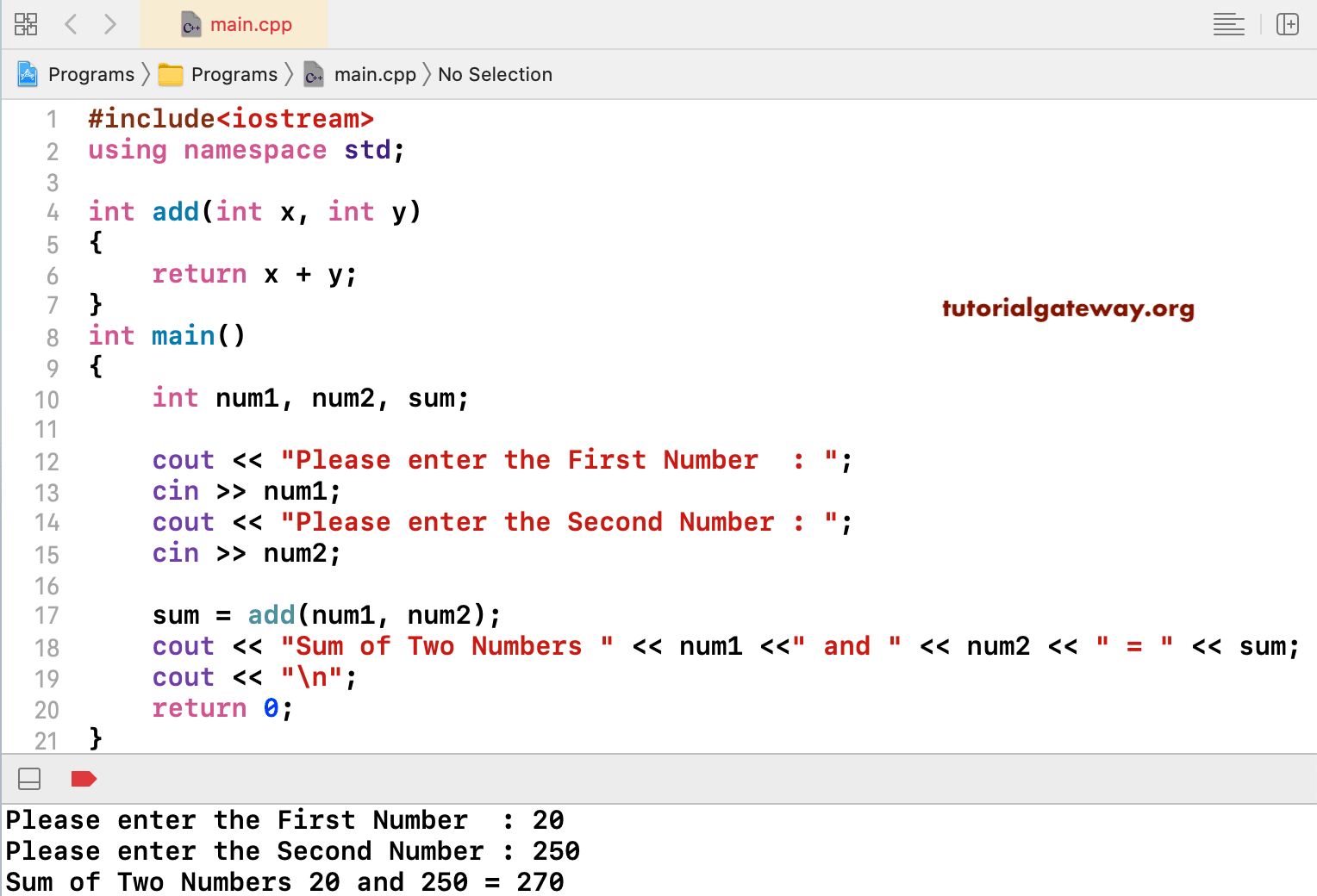
Here, we created a function that accepts two arguments and returns the addition of those two arguments. Next, we are calling that function inside our C++ main() program.
// using functions
#include<iostream>

using namespace std;
int add(int x, int y)
{
	return x + y;
}

int main()
{
	int num1, num2, sum;

	cout << "Please enter the First Number  : ";
	cin >> num1;

	cout << "Please enter the Second Number : ";
	cin >> num2;

	sum = add(num1, num2);
	cout << "Sum of Two Numbers " << num1 <<" and " << num2 << " = " << sum;

	return 0;
}
In this Add Two Numbers example using OOPS, we used a separate class with a public method to perform addition.
#include<iostream>

using namespace std;
class Addition {

	public: int add(int x, int y){
		return x + y;
	}
};
int main()
{
	int num1, num2, sum;

	cout << "Please enter the First Number  : ";
	cin >> num1;

	cout << "Please enter the Second Number : ";
	cin >> num2;

	Addition ad;

	sum = ad.add(num1, num2);
	cout << "Sum of Two Numbers " << num1 <<" and " << num2 << " = " << sum;

	return 0;
}
Please enter the First Number  : 99
Please enter the Second Number : 145
Sum of Two Numbers 99 and 145 = 244